Explore
News, guides and deep dives.
Product updates, installation tutorials and technical articles from the Cueva Control team.
Introducing the RELO IO8: 8 inputs, 8 relays, one platform
Our first hardware product is here. The RELO IO8 is a PoE-powered I/O controller that brings professional relay automation to any rack installation, with full Cueva Control software integration built in.
Read articleRTP-MIDI trigger and action nodes for RELO IO8
The RELO IO8 can now send and receive MIDI over the network. Two new automation nodes let you wire MIDI messages directly into your automation flows.
RELO IO8 is now available in Bitfocus Companion
The official Cueva Control module for Bitfocus Companion is live. Control relays, trigger automation nodes and display live device state on your Stream Deck or X-Keys.
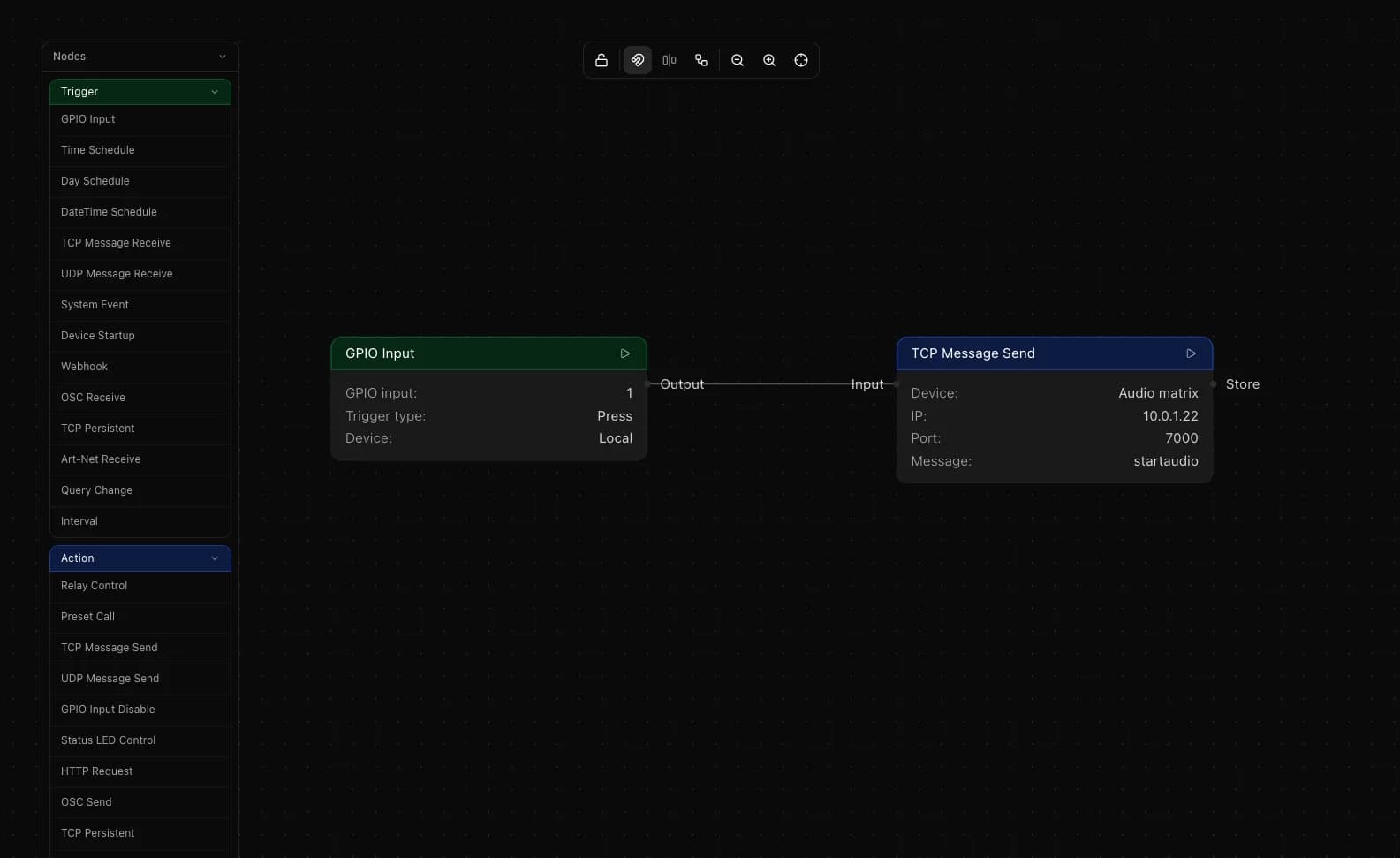
GPIO button to TCP: send IP commands from a physical button
Wire a button to the IO8 and send a TCP command to any IP-controllable device the moment it is pressed. Works with projectors, displays, AV receivers and anything that accepts TCP.
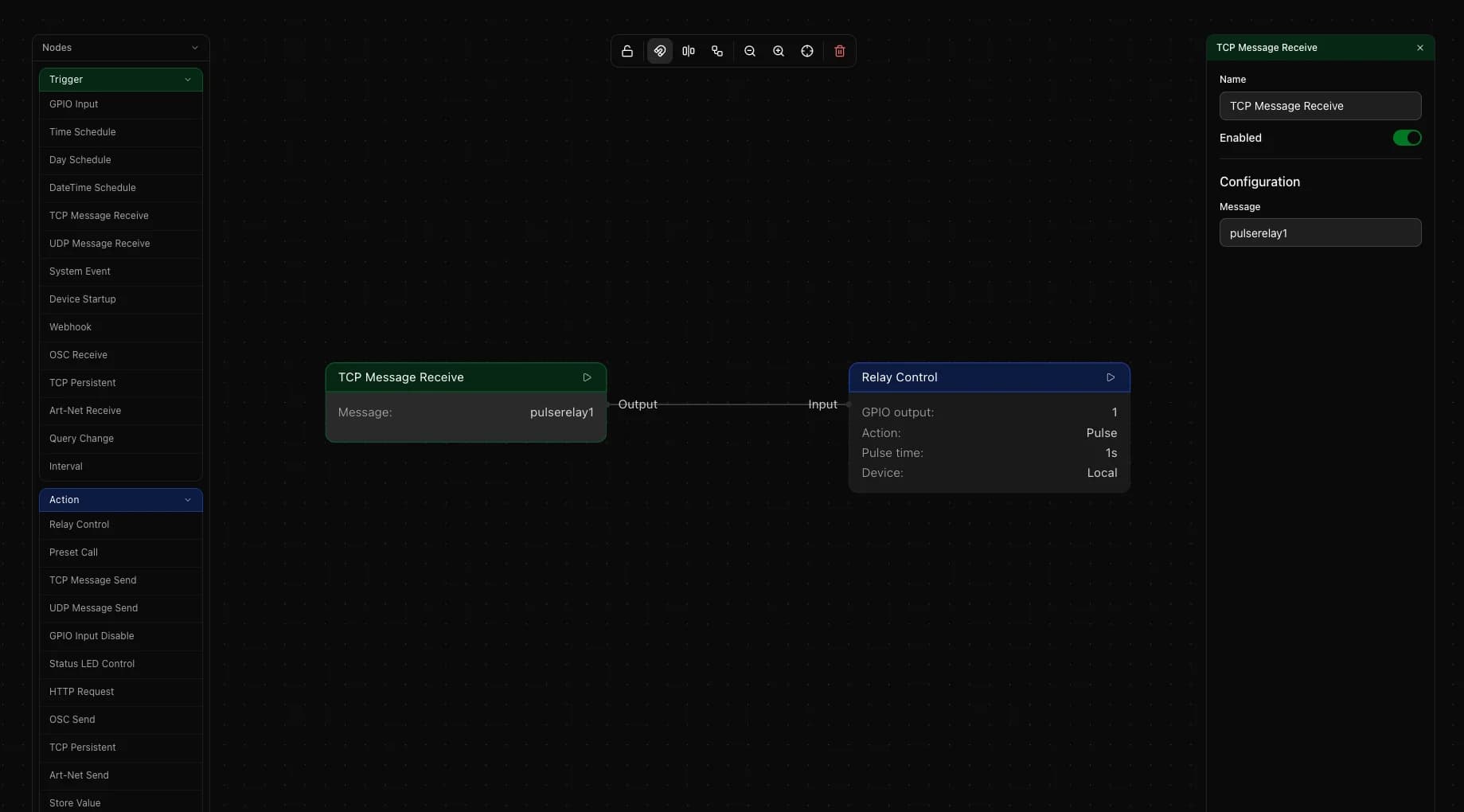
TCP command to relay: control physical outputs over the network
Send a TCP command from any device on the network and the IO8 switches a relay. Works with touch panels, screen controllers, building systems or any software that can send TCP.

Art-Net to OSC: forward DMX values to any OSC device
Use the RELO IO8 to read a DMX channel from your lighting console and send it as an OSC float to any software or hardware that listens on OSC.
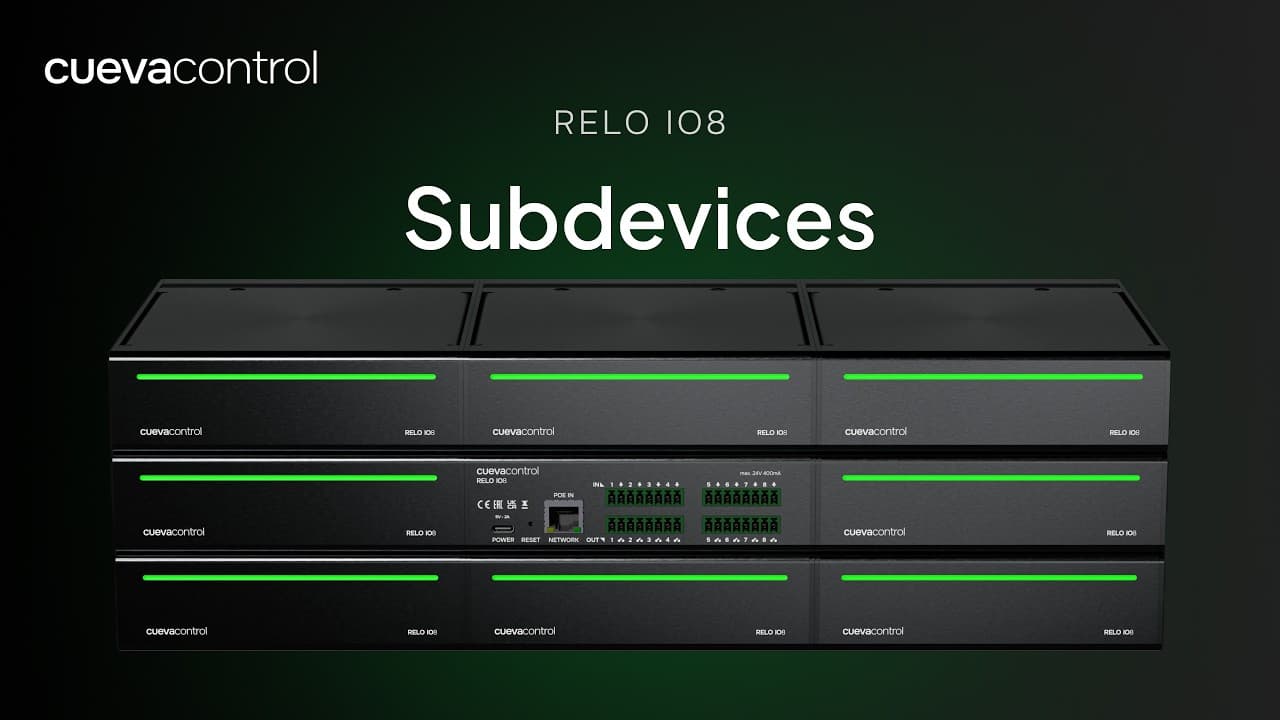
RELO IO8: Subdevices
See how to add and manage subdevices on the RELO IO8, extending its control capabilities over connected equipment through relay and IO channels.
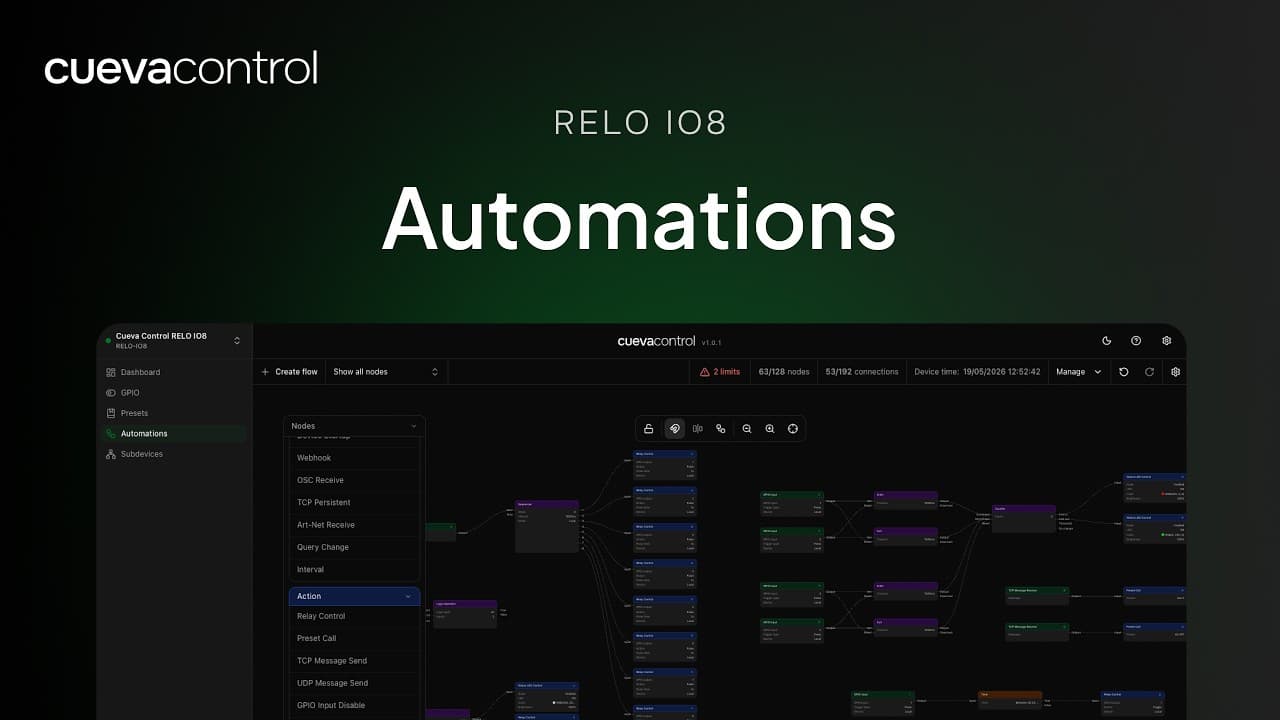
RELO IO8: Automations
Set up rule-based automations on the RELO IO8 to respond automatically to GPIO inputs, time schedules, or changes in device state.

GPIO button to Art-Net: trigger DMX lighting from wall switches
Physical buttons can send Art-Net packets directly to DMX fixtures without a lighting console. A complete setup guide for GPIO-to-Art-Net conversion using the RELO IO8 and Cueva Desktop.
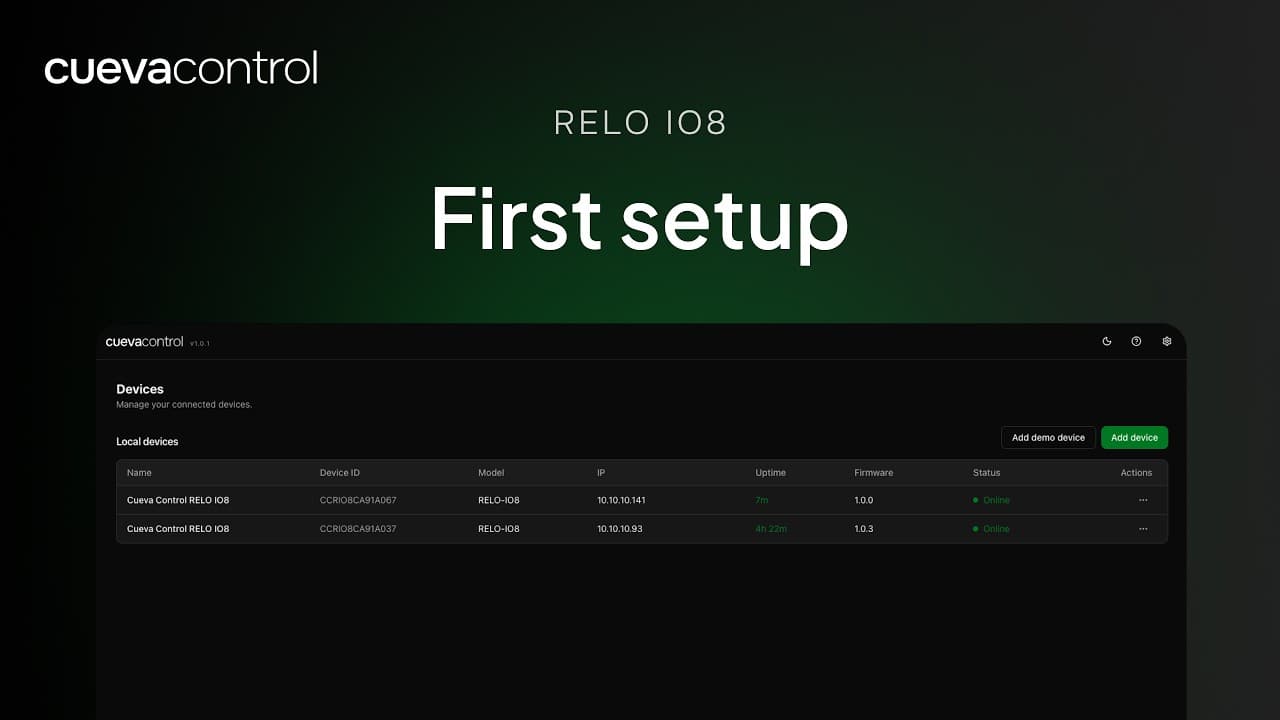
RELO IO8: First Setup
A step-by-step walkthrough of connecting your RELO IO8 for the first time — from powering on the device to claiming it in your Cueva Control workspace.
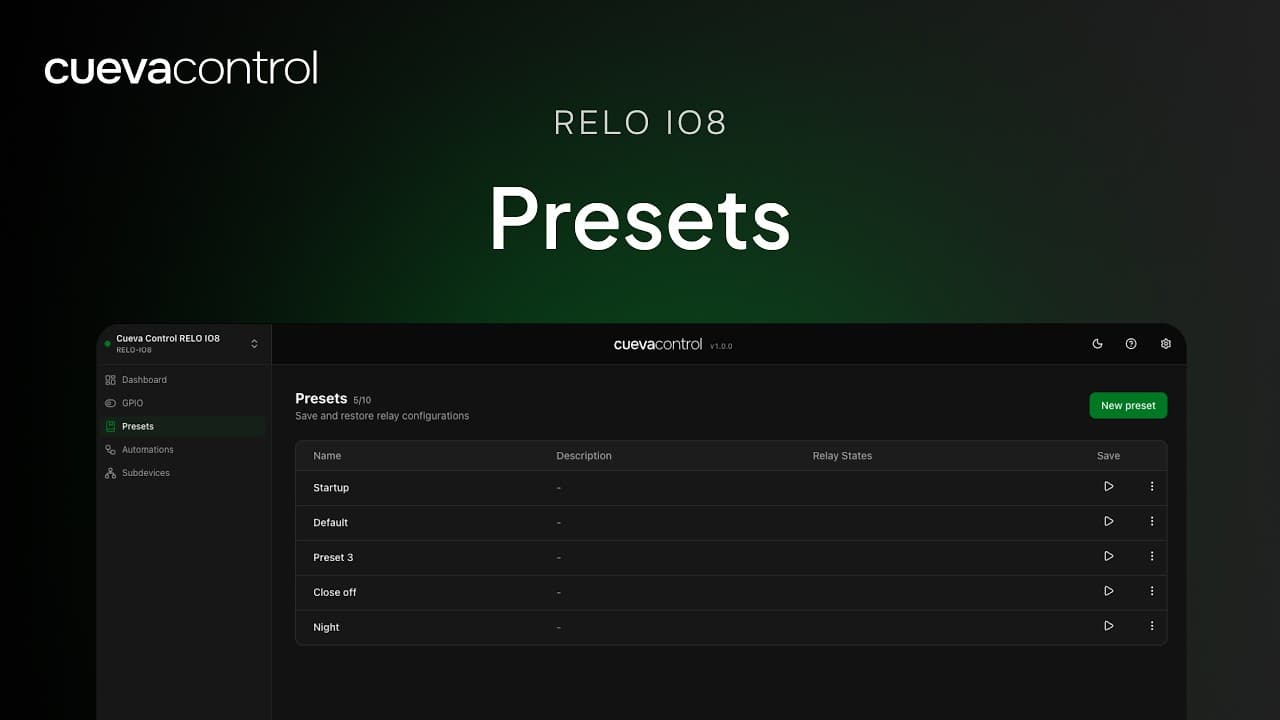
RELO IO8: Presets
Learn how to build and trigger presets on the RELO IO8, so you can switch multiple relay outputs to a defined state with a single action.

OSC to Art-Net: control DMX channels from an OSC fader
Map an OSC fader to a DMX channel in real time using stream mode. Move the fader and the DMX value follows. The RELO IO8 handles the scaling automatically.
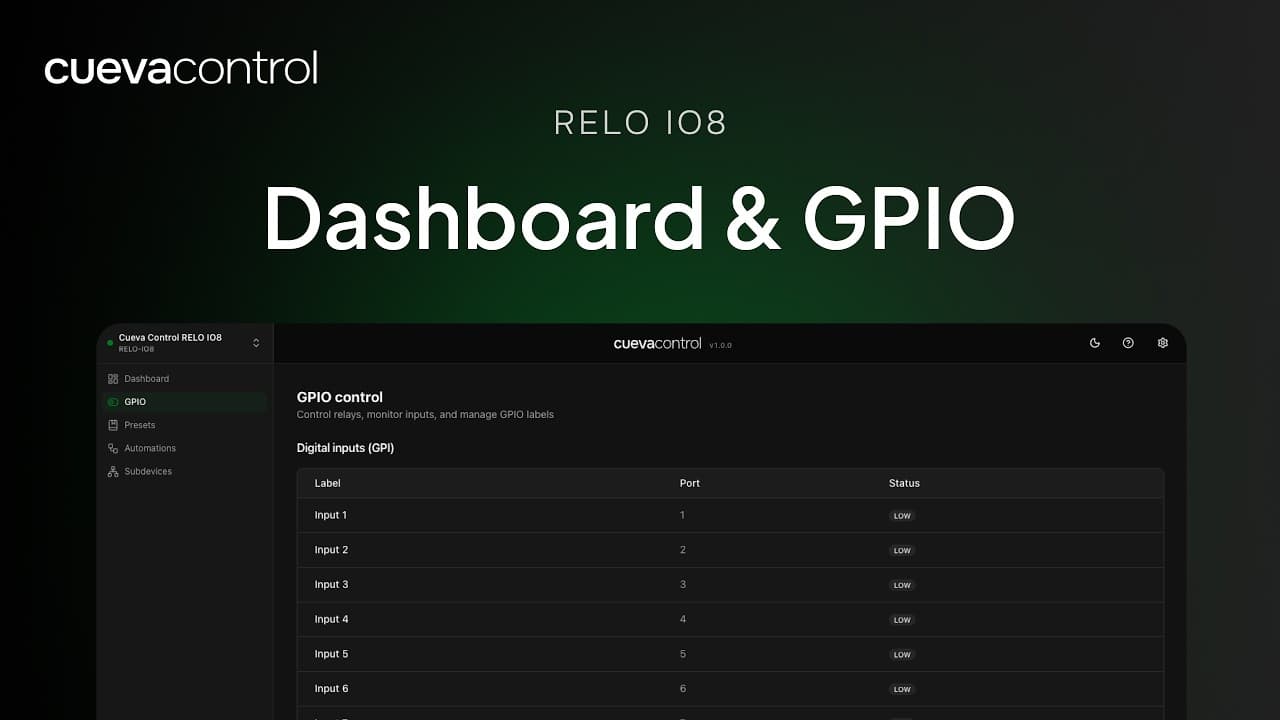
RELO IO8: Dashboard & GPIO
Learn your way around the RELO IO8 dashboard and discover how to configure its GPIO inputs and outputs for your AV control installation.
TCP to UDP bridge: convert between protocols with the RELO IO8
The RELO IO8 can receive a message on one protocol and immediately forward it on another. Here is how to wire a TCP-to-UDP or UDP-to-TCP bridge in a few nodes.
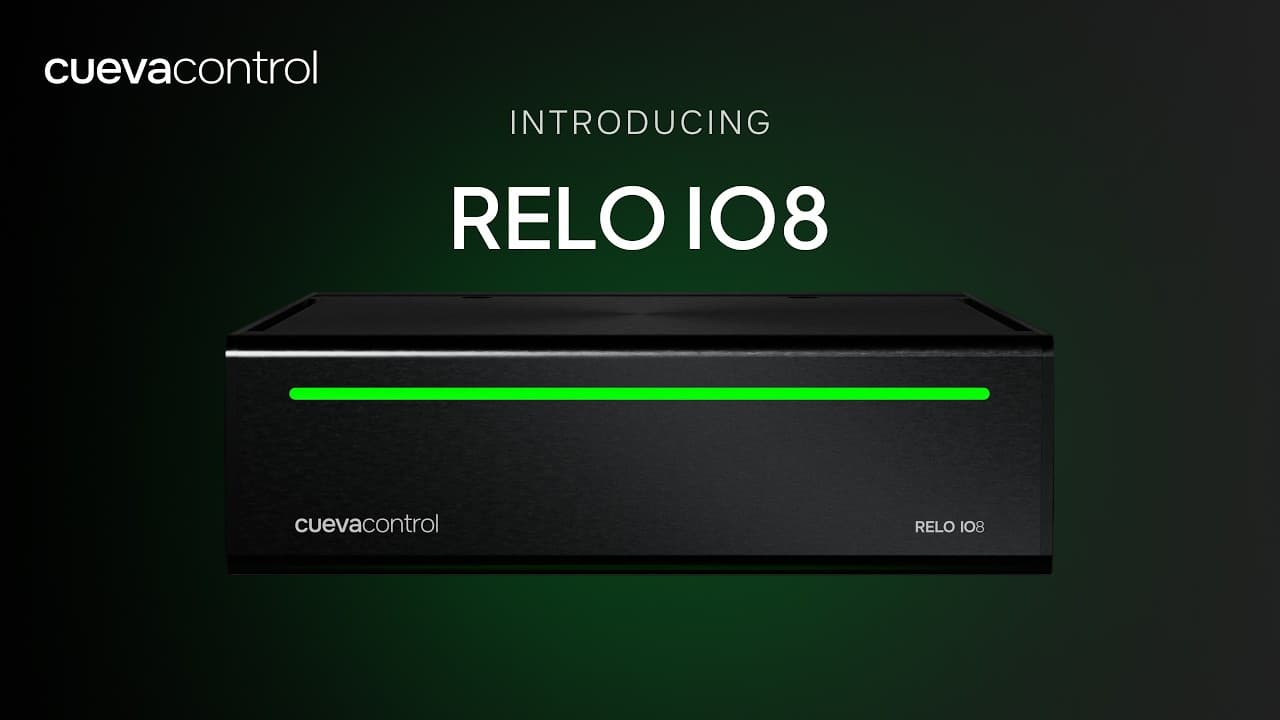
Introducing: Cueva Control RELO IO8
Get your first look at the RELO IO8 — a compact, cloud-connected relay and IO controller designed for professional AV and show control installations.
Building conditional logic in your automation flows
Most real automations need branching: do this if that is true, otherwise do something else. This tutorial walks through the condition, comparison, and switch nodes in Cueva Control.

Using OSC to control third-party software from the RELO IO8
OSC is the lingua franca for live performance software. Here is how to send and receive OSC messages from Cueva Control to connect your hardware to QLab, Resolume, and more.

Rack mount vs wall mount: choosing the right installation for your project
The RELO IO8 is designed to install anywhere. Here's how to decide between the RM99 rack mount and the WM33 wall mount bracket based on your project requirements.

Setting up ArtNet lighting control with the RELO IO8
Connect your RELO IO8 to any ArtNet-capable lighting console or fixture. This guide covers universe configuration, trigger mapping, and common troubleshooting steps.
TCP vs UDP in professional AV: which should you use?
Both protocols move data across your network, but they behave very differently under load. Here's how to decide which one belongs in your automation flow.

How to build your first automation flow in Cueva Control
A step-by-step guide to building a real automation from a physical button press to a relay output and an HTTP notification, using the visual node editor in Cueva Desktop.