← Explore
Video19 May 20266 min watch

RELO IO8: First Setup

A step-by-step walkthrough of connecting your RELO IO8 for the first time — from powering on the device to claiming it in your Cueva Control workspace.
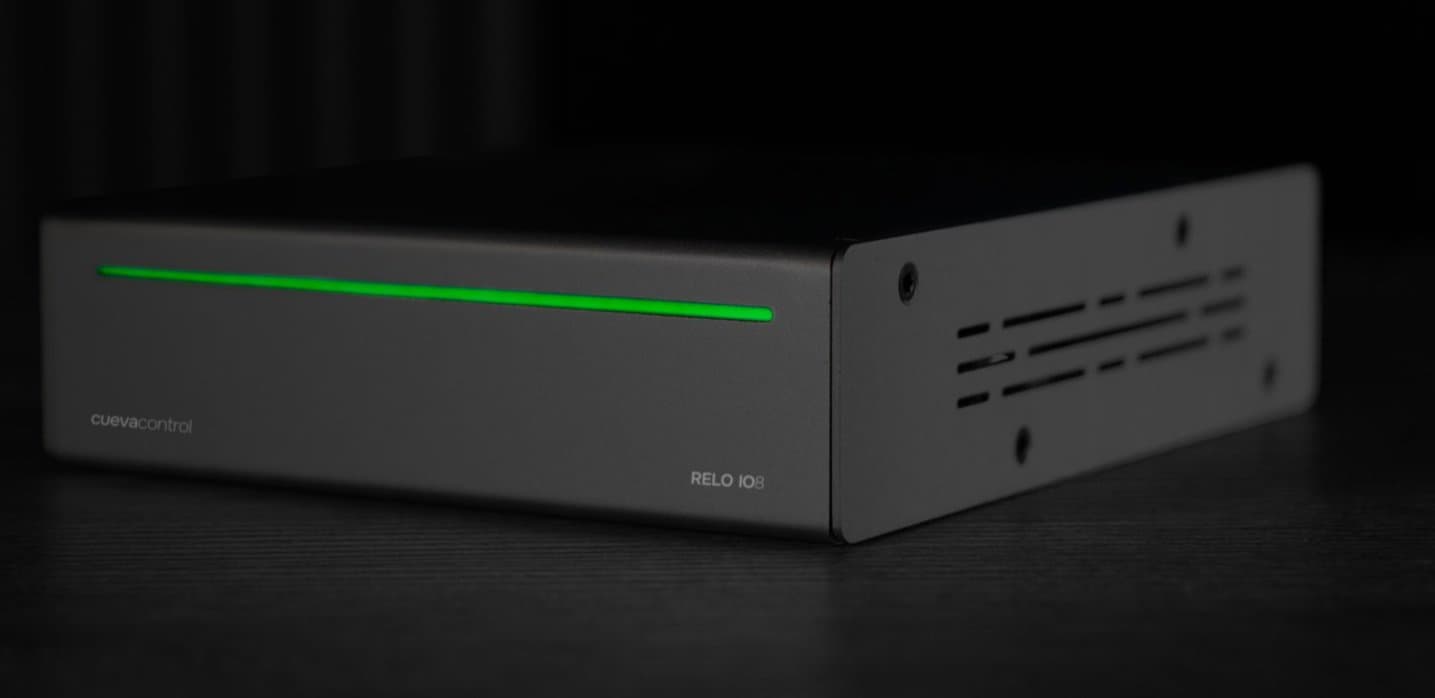
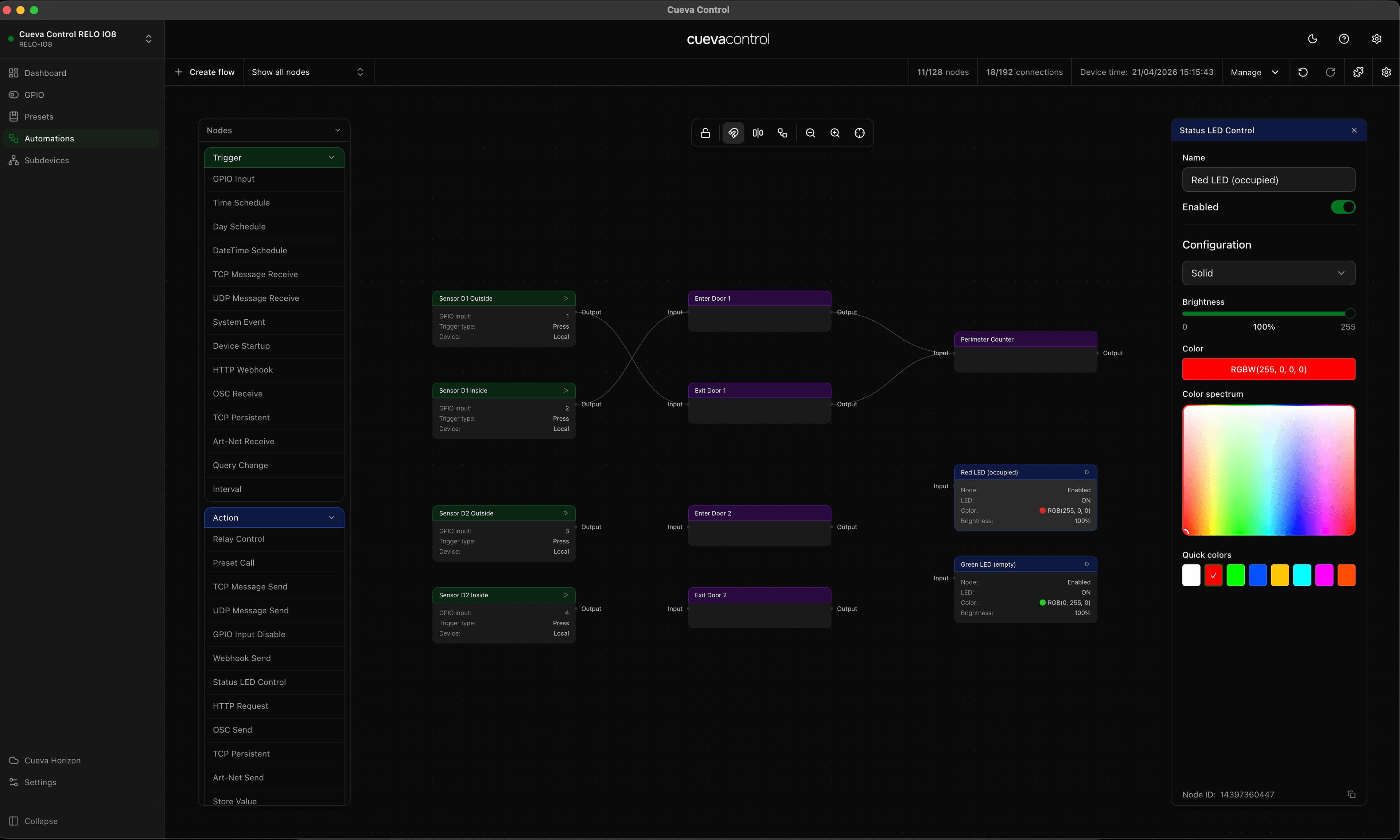
This video covers everything you need to get your RELO IO8 online. You will see how to connect it to your network, navigate to the setup interface, and claim the device under your organisation in Cueva Control. The whole process takes just a few minutes, and once complete your device is ready to configure.

RELO IO8

Featured product

RELO IO8

8 relay outputs, 8 GPIO inputs. Cloud-managed and PoE+ powered.

View product
Cueva Control Desktop

Featured product

Cueva Control Desktop

Node-based AV automation software for macOS and Windows.

View product

Continue reading

Video6 min read

RELO IO8: Subdevices

See how to add and manage subdevices on the RELO IO8, extending its control capabilities over connected equipment through relay and IO channels.

Video7 min read

RELO IO8: Automations

Set up rule-based automations on the RELO IO8 to respond automatically to GPIO inputs, time schedules, or changes in device state.

← All articles
Send us a message