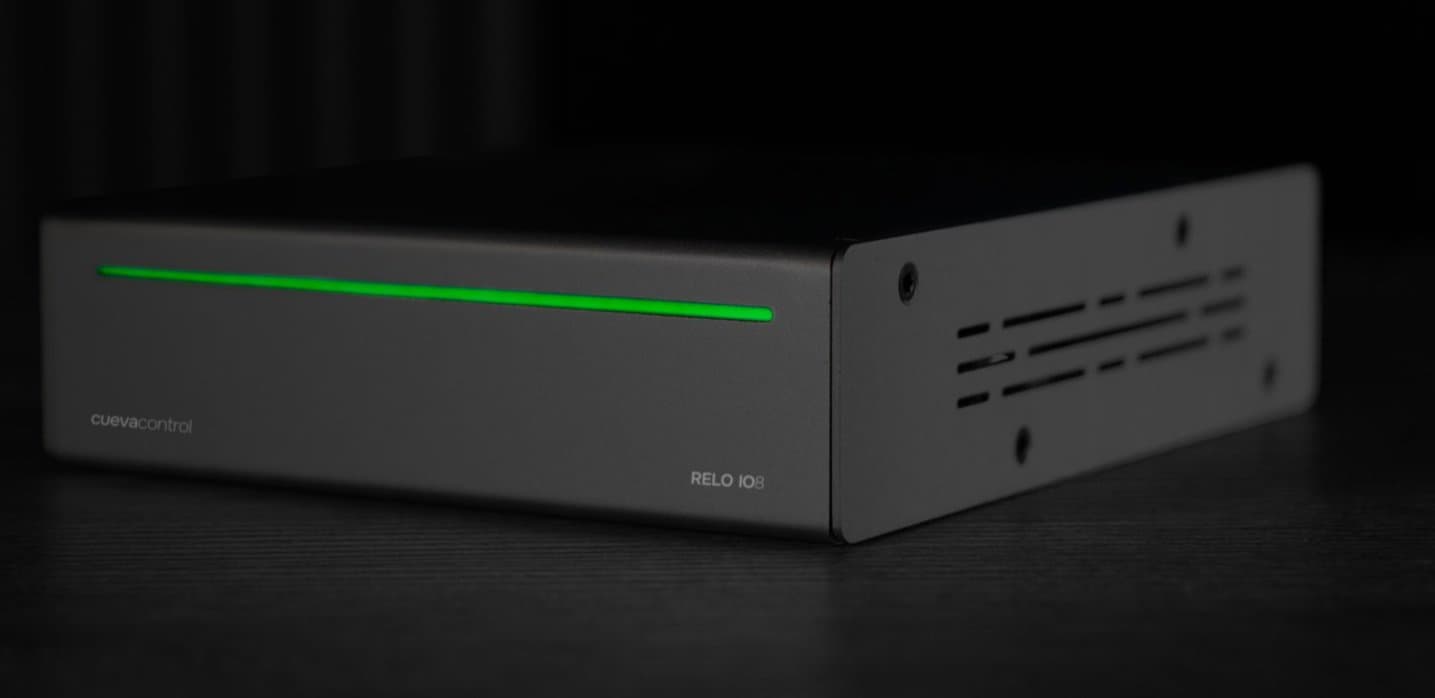
The RELO IO8 module for Bitfocus Companion is now available. Search for Cueva Control in the Connections tab and add it to your setup. Set the Host to the device IP address, paste the Auth Token from Settings - Integrations in the desktop app, and Companion connects automatically.
What you can do
The module exposes the full control surface of the RELO IO8. Turn any relay on, off, toggle it or pulse it for a set duration. Trigger automation nodes directly from a button. Recall saved relay presets to switch all eight relays to a known state in one press. The status LED is also fully controllable: set the color, brightness and effect from Companion.
Live feedbacks
Buttons update in real time. Relay State feedback changes the button style when a relay turns on or off. Input State reflects the live state of a digital input wired to the IO8. Device Connected shows at a glance whether Companion is talking to the device. Combine a relay toggle action with a relay state feedback on the same button for a single button that tracks its own state.
Variables
All relay states, input states, labels and device info are available as live variables. Use them in button text to show the current state of any relay or input without a separate feedback. Relay labels follow whatever you named them in the desktop app, so your button surface stays readable without extra configuration in Companion.
Get the module
The module is available now in the Bitfocus Companion Connections directory. Search for Cueva Control or RELO IO8 to find it. Full documentation including all actions, feedbacks and variables is available on the Bitfocus connection page.