← Explore
Video19 May 20265 min watch

RELO IO8: Presets

Learn how to build and trigger presets on the RELO IO8, so you can switch multiple relay outputs to a defined state with a single action.
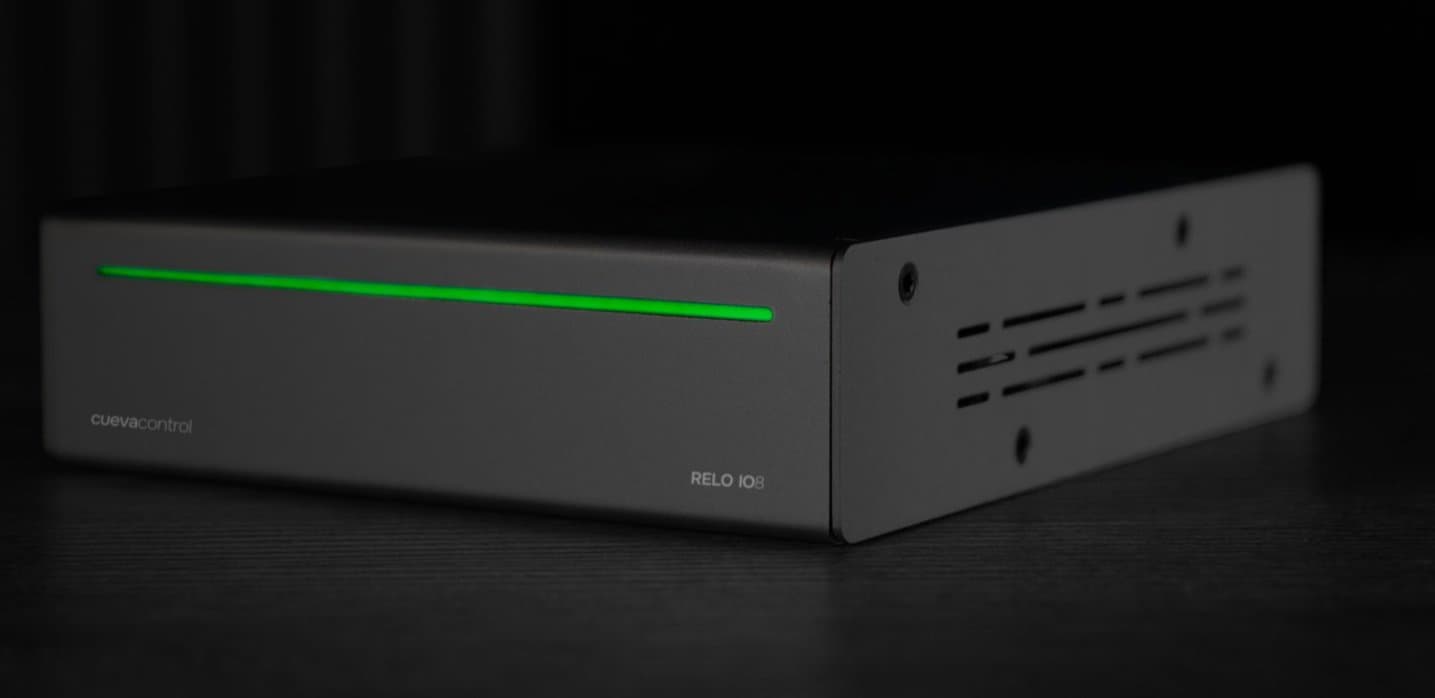
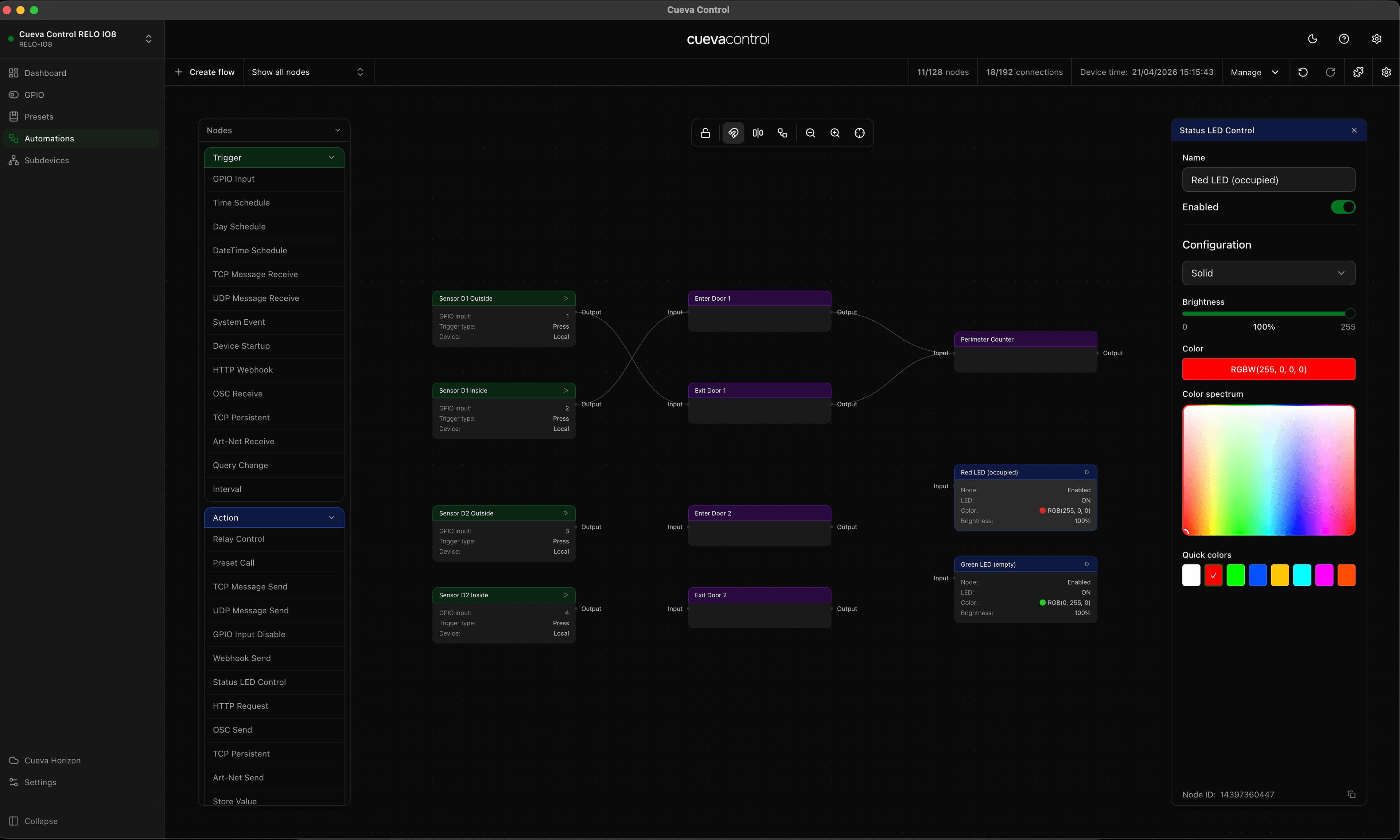
Presets let you save a snapshot of your relay and GPIO state and recall it instantly — ideal for scenes like show start, interval, or standby. This video shows you how to create a preset, assign it a name, and trigger it manually from the dashboard or automatically as part of an automation rule.

RELO IO8

Featured product

RELO IO8

8 relay outputs, 8 GPIO inputs. Cloud-managed and PoE+ powered.

View product
Cueva Control Desktop

Featured product

Cueva Control Desktop

Node-based AV automation software for macOS and Windows.

View product

Continue reading

Video6 min read

RELO IO8: Subdevices

See how to add and manage subdevices on the RELO IO8, extending its control capabilities over connected equipment through relay and IO channels.

Video7 min read

RELO IO8: Automations

Set up rule-based automations on the RELO IO8 to respond automatically to GPIO inputs, time schedules, or changes in device state.

← All articles
Send us a message