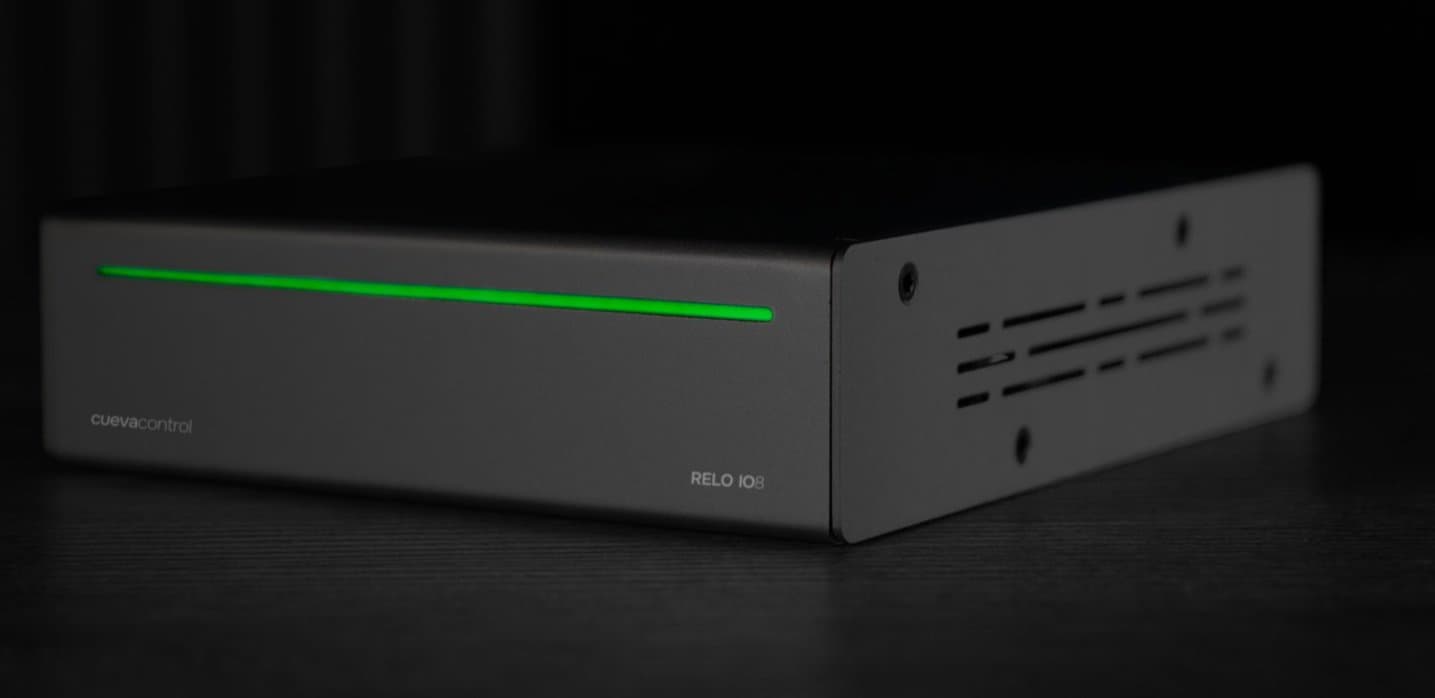
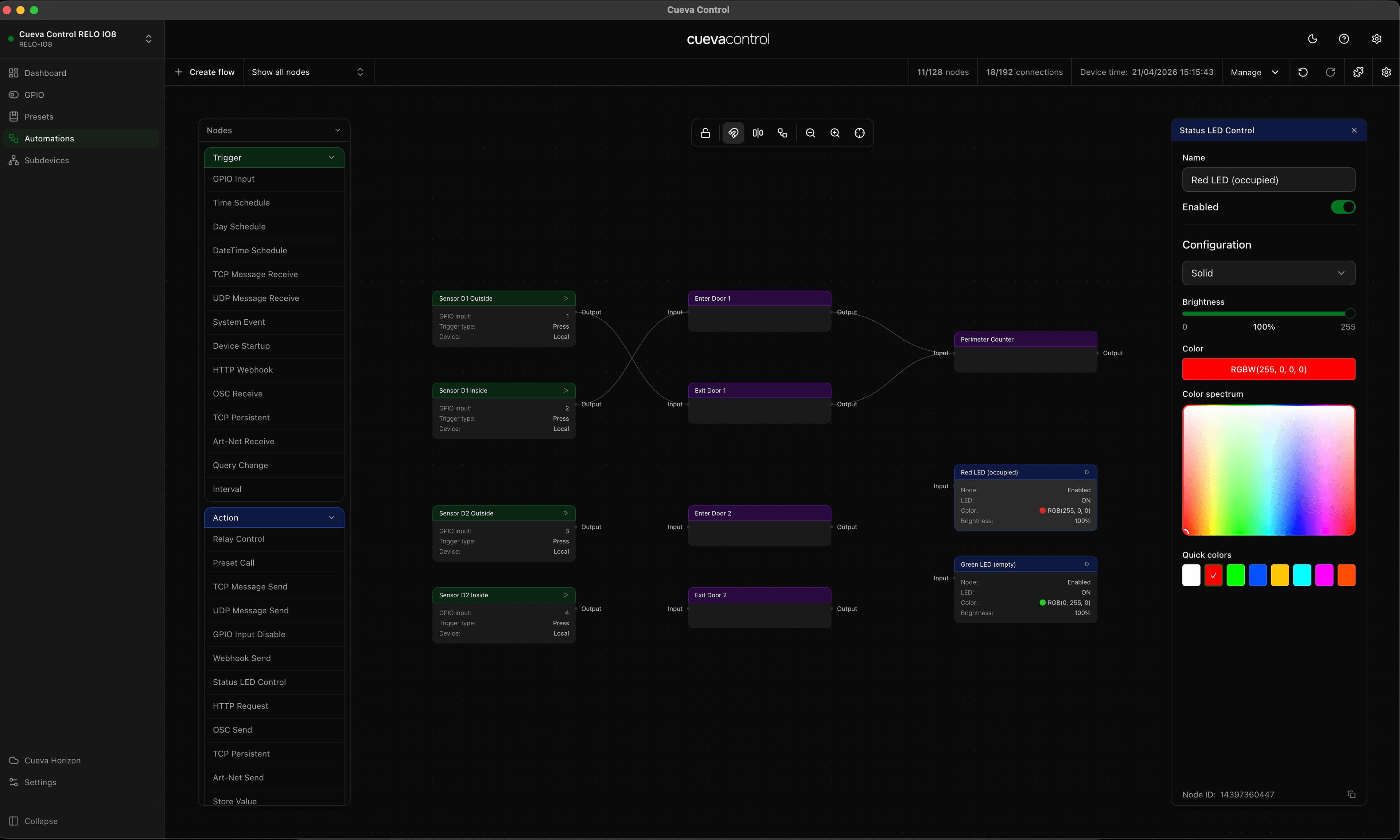
Subdevices let you model real-world equipment — a projector, an amplifier, a lighting fixture — and attach it to specific relay channels on the RELO IO8. Once defined, you can control subdevices by name rather than channel number, making your automations and presets much easier to read and manage. This video shows how to create a subdevice, assign its channels, and use it across the dashboard and automation builder.
← Explore
RELO IO8: Subdevices
See how to add and manage subdevices on the RELO IO8, extending its control capabilities over connected equipment through relay and IO channels.