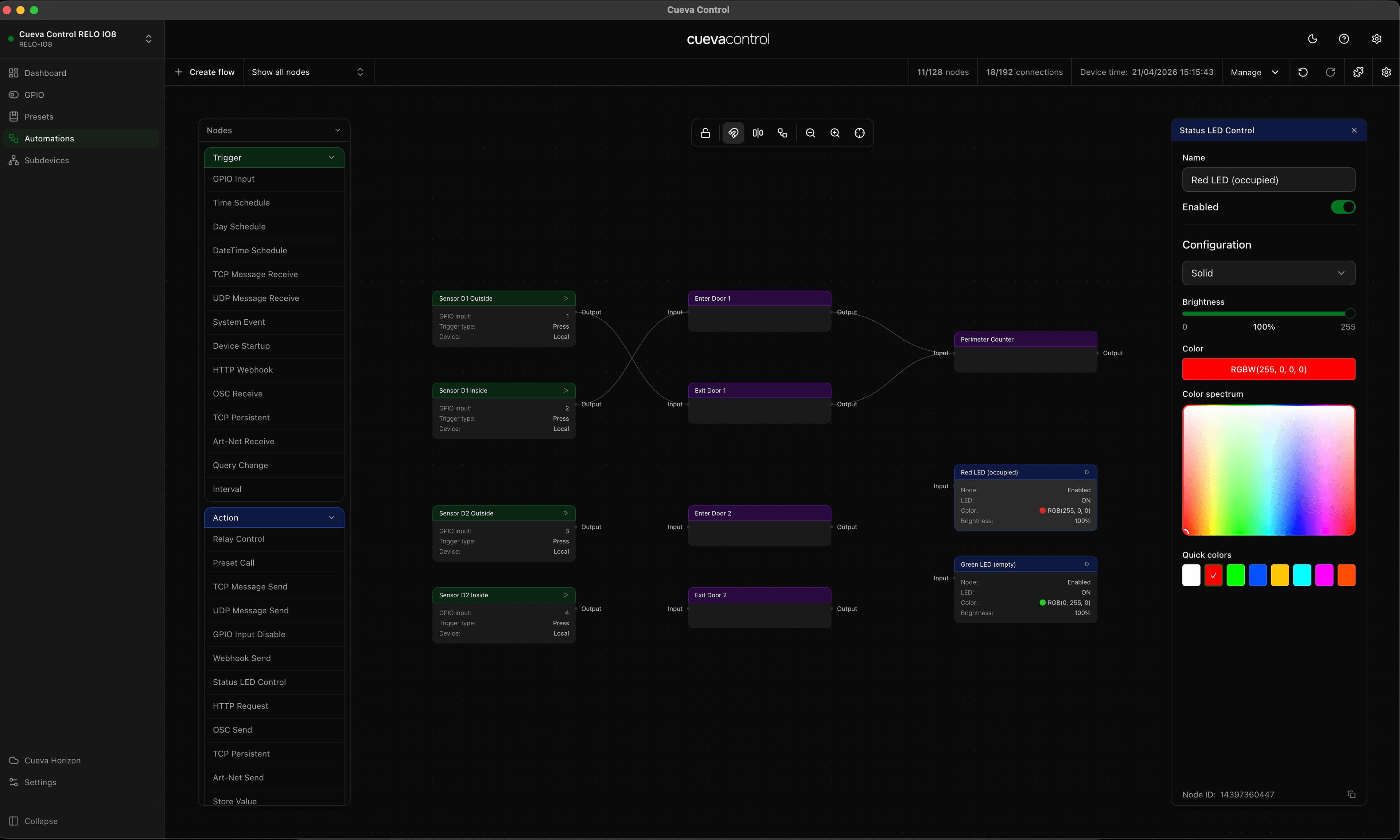
Simple trigger-to-action flows are a great starting point, but real installations usually need logic: only fire this relay when that GPIO is low, send the HTTP request during business hours only or pick a different Art-Net scene based on a variable. Cueva Control handles all of this with condition and switch nodes.
The condition node
The Condition node takes a variable and a comparison operator (equals, not equals, greater than, less than, contains) and routes the flow down a true or false branch. Connect your trigger to the Condition input, then connect the true and false outputs to different action nodes.
The switch node
When you need more than two branches, use the Switch node. Define up to 16 cases, each with a value or range to match against the input variable. The node routes to the matching output, with a default output for anything unmatched.
- Cases can match exact values, ranges, or regex patterns
- The default output fires when no case matches
- Cases are evaluated in order; first match wins
- Use with a variable set by a GPIO or TCP trigger for dynamic routing
Tip: the Time node can be used as a condition input. Wire it before a Condition node to gate actions based on time of day or day of week.