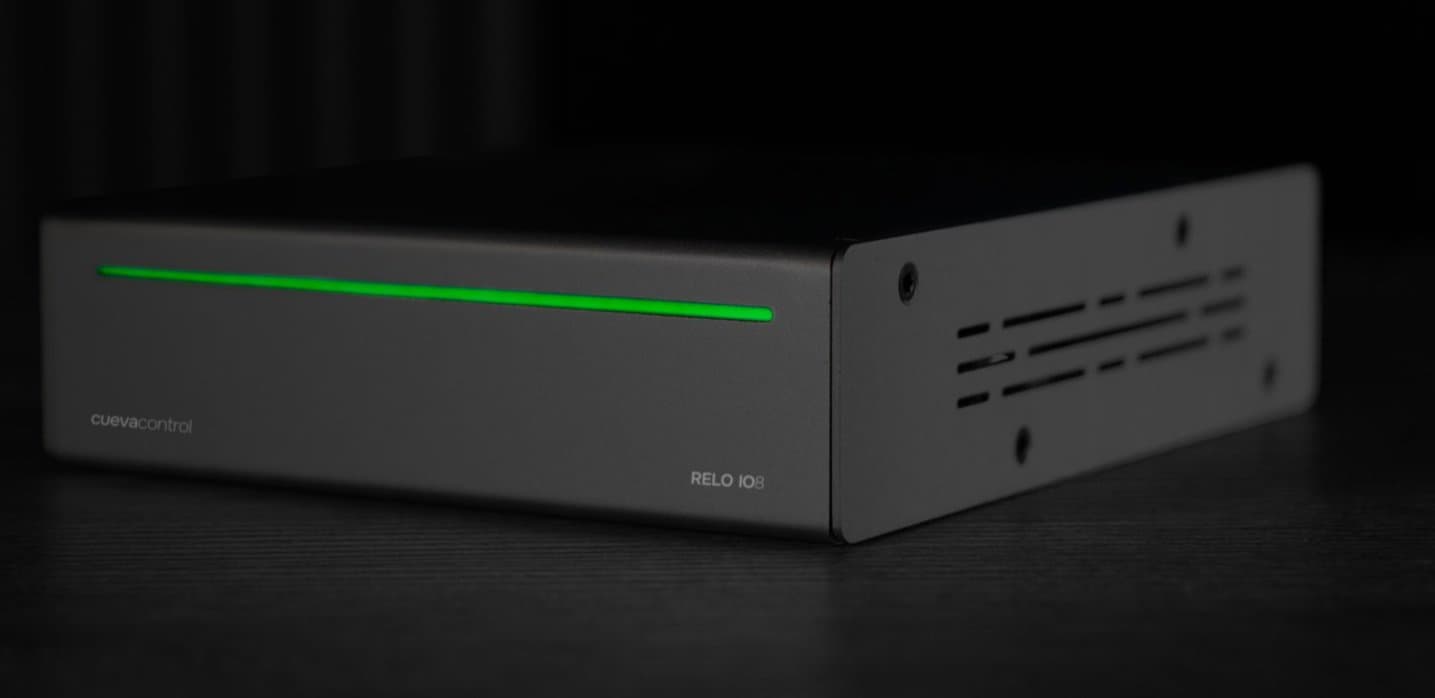
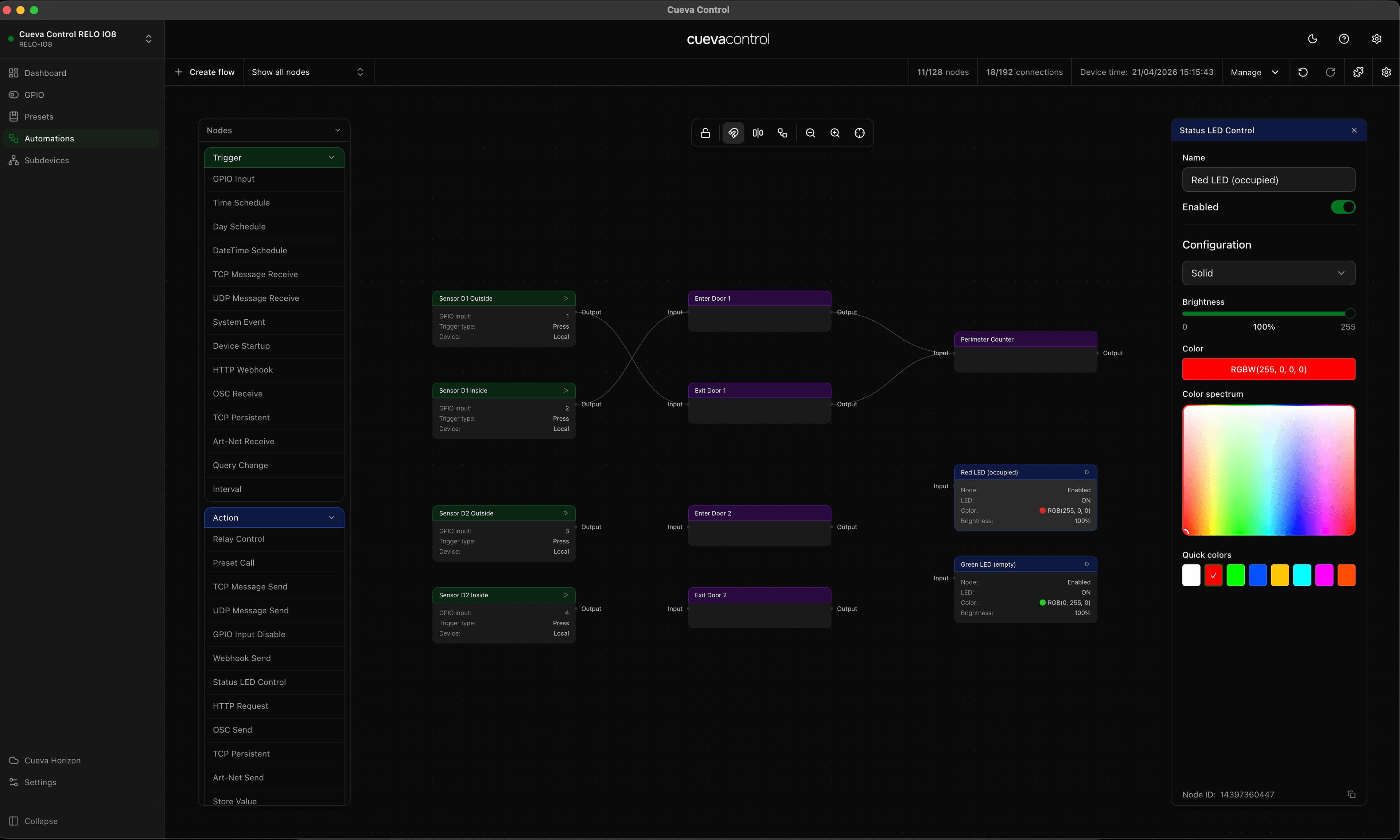
Two new automation nodes are now available in Cueva Desktop: RTP MIDI Receive and RTP MIDI Send. Together they let the RELO IO8 participate in a MIDI network as both a listener and a sender, turning MIDI messages into automation triggers and vice versa.
What is RTP-MIDI
RTP-MIDI (also known as AppleMIDI) is a protocol for transmitting MIDI over standard IP networks. It is built into macOS and iOS natively, and available on Windows via a driver. Any DAW, lighting console, media server or custom software that supports RTP-MIDI can join the same network session and exchange MIDI with the RELO IO8.
RTP MIDI Receive
The RTP MIDI Receive trigger node fires when an incoming MIDI message matches a configured filter. Each endpoint in the node defines a filter: a message type, a channel, an optional note or CC number, and a session to listen on. When the incoming message matches, the node fires and passes the value downstream.
Multiple endpoints can be added to a single node, each producing its own output handle. This lets you respond to different MIDI messages in the same flow without duplicating nodes.
- Any: fires on all incoming messages regardless of type
- Note On: fires when a note-on message matches the configured note and channel
- Note Off: fires when a note-off message matches the configured note and channel
- CC: fires when a control change message matches the configured CC number and channel
- Program Change: fires on a matching program change on the configured channel
- Pitch Bend: fires on a pitch bend message on the configured channel
- Channel Pressure: fires on aftertouch on the configured channel
RTP MIDI Send
The RTP MIDI Send action node sends a MIDI message over RTP-MIDI when triggered. Each endpoint defines what to send: a message type, a channel, and the message-specific parameters. The node supports both static values and stream mode, where the value flowing in from upstream is used as the MIDI value at the time of execution.
Sessions can be referenced by index or by connecting to a specific host and control port directly. This means the IO8 can join an existing RTP-MIDI session or initiate a connection to a known host.
Things to keep in mind
- The RELO IO8 and the target MIDI host must be on the same IP network
- Session index refers to the RTP-MIDI session slot configured at the device level. Confirm the session is active before building the flow
- In stream mode the incoming value replaces the static parameter, so a velocity or CC value flowing through the graph becomes the transmitted MIDI value
- Channel numbers in the node follow standard MIDI convention. Check your receiving device documentation if messages are not landing on the expected channel