← Explore
Video19 May 20267 min watch

RELO IO8: Automations

Set up rule-based automations on the RELO IO8 to respond automatically to GPIO inputs, time schedules, or changes in device state.
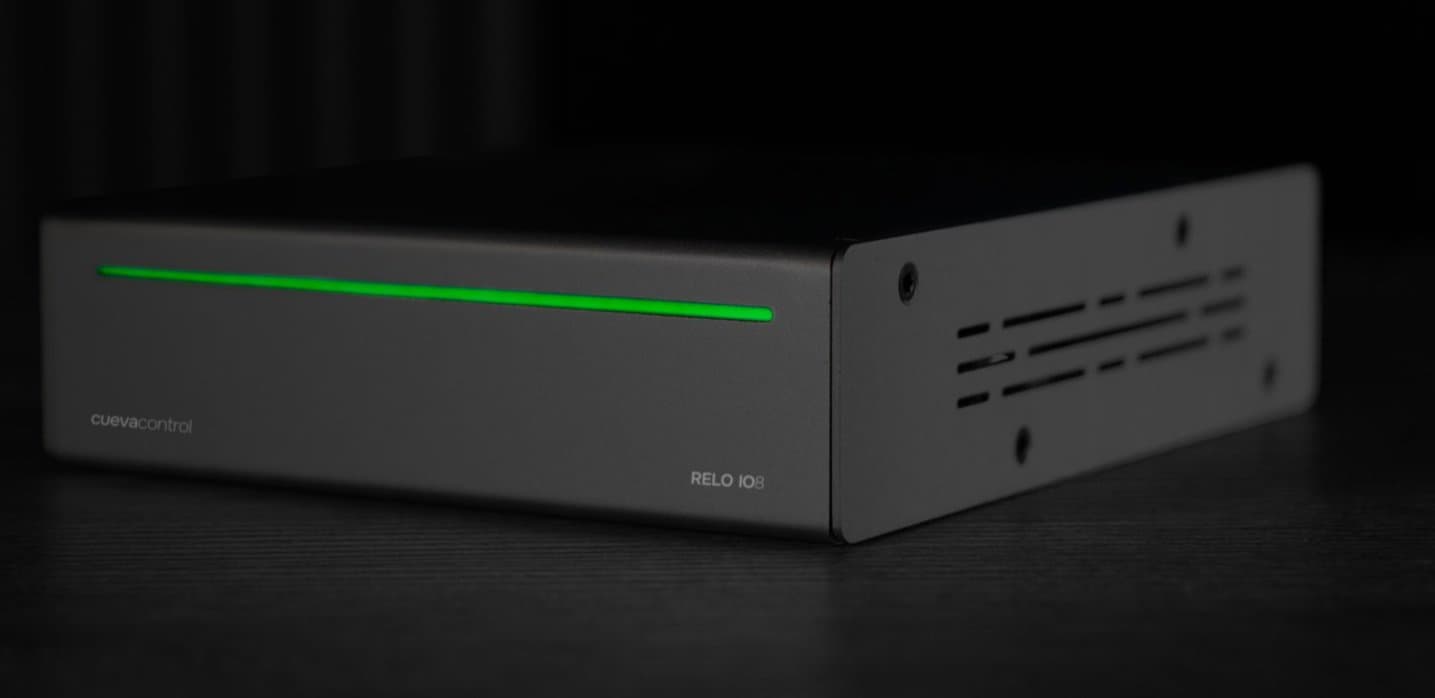
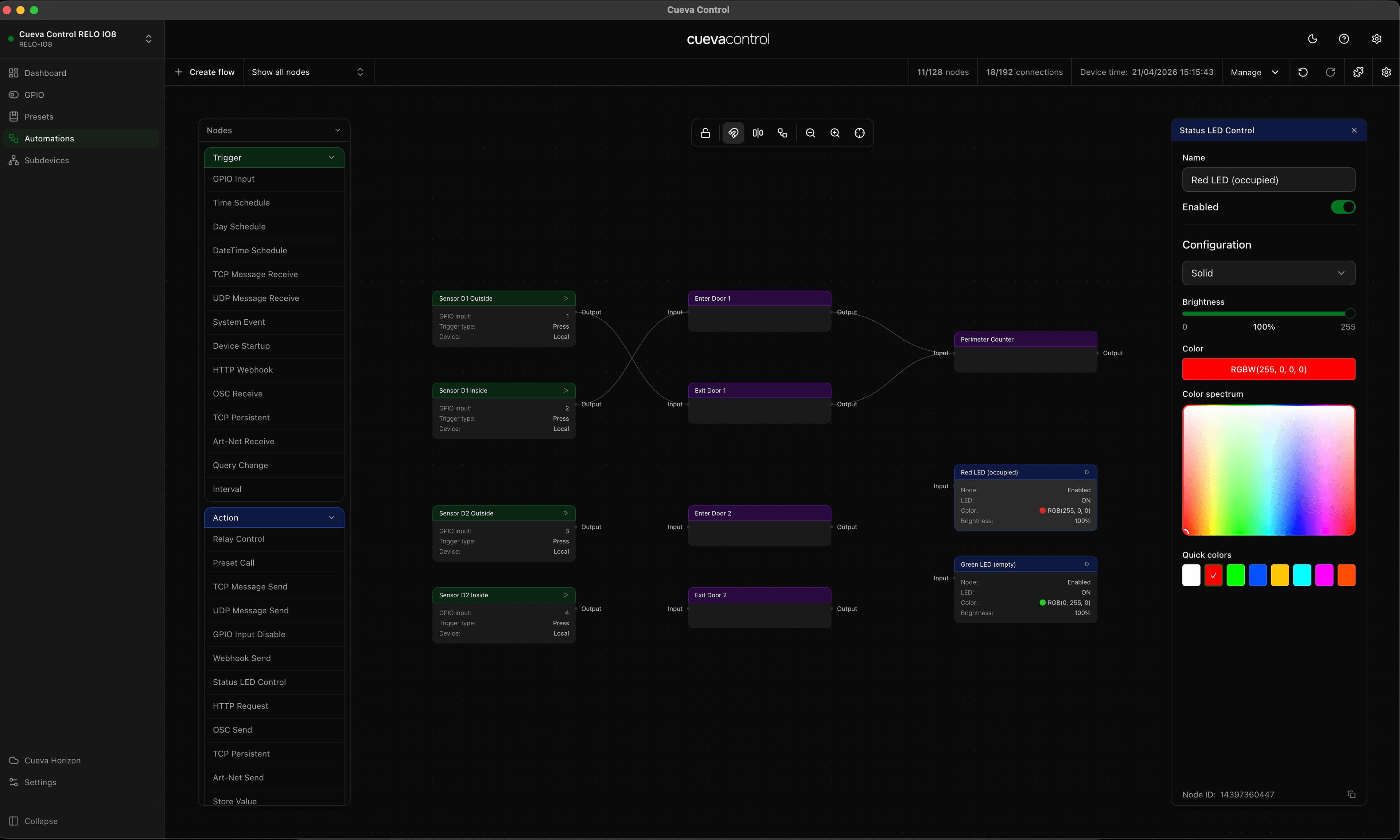
Automations are where the RELO IO8 really earns its place in a professional installation. You can build rules that fire when a GPIO input changes, at a scheduled time, or when another device event occurs — triggering relay actions, preset recalls, or notifications without any manual intervention. This video walks through the automation builder and shows several practical examples.

RELO IO8

Featured product

RELO IO8

8 relay outputs, 8 GPIO inputs. Cloud-managed and PoE+ powered.

View product
Cueva Control Desktop

Featured product

Cueva Control Desktop

Node-based AV automation software for macOS and Windows.

View product

Continue reading

Video6 min read

RELO IO8: Subdevices

See how to add and manage subdevices on the RELO IO8, extending its control capabilities over connected equipment through relay and IO channels.

Video6 min read

RELO IO8: First Setup

A step-by-step walkthrough of connecting your RELO IO8 for the first time — from powering on the device to claiming it in your Cueva Control workspace.

← All articles
Send us a message